9 hours. 65 images. 13 dollars. And the breakthrough came at the very end.
I'm building a Claude Code skill that automatically generates images for my LinkedIn posts. In the style of my ChatGPT illustrations -- featuring me and my cat Elfi.
The problem: The OpenAI API consistently produced worse images than ChatGPT. Same reference photos, same model (gpt-image-1.5) -- but the API images looked like generic stock illustrations.
After 7 different approaches and a lot of trial and error, the key insight:
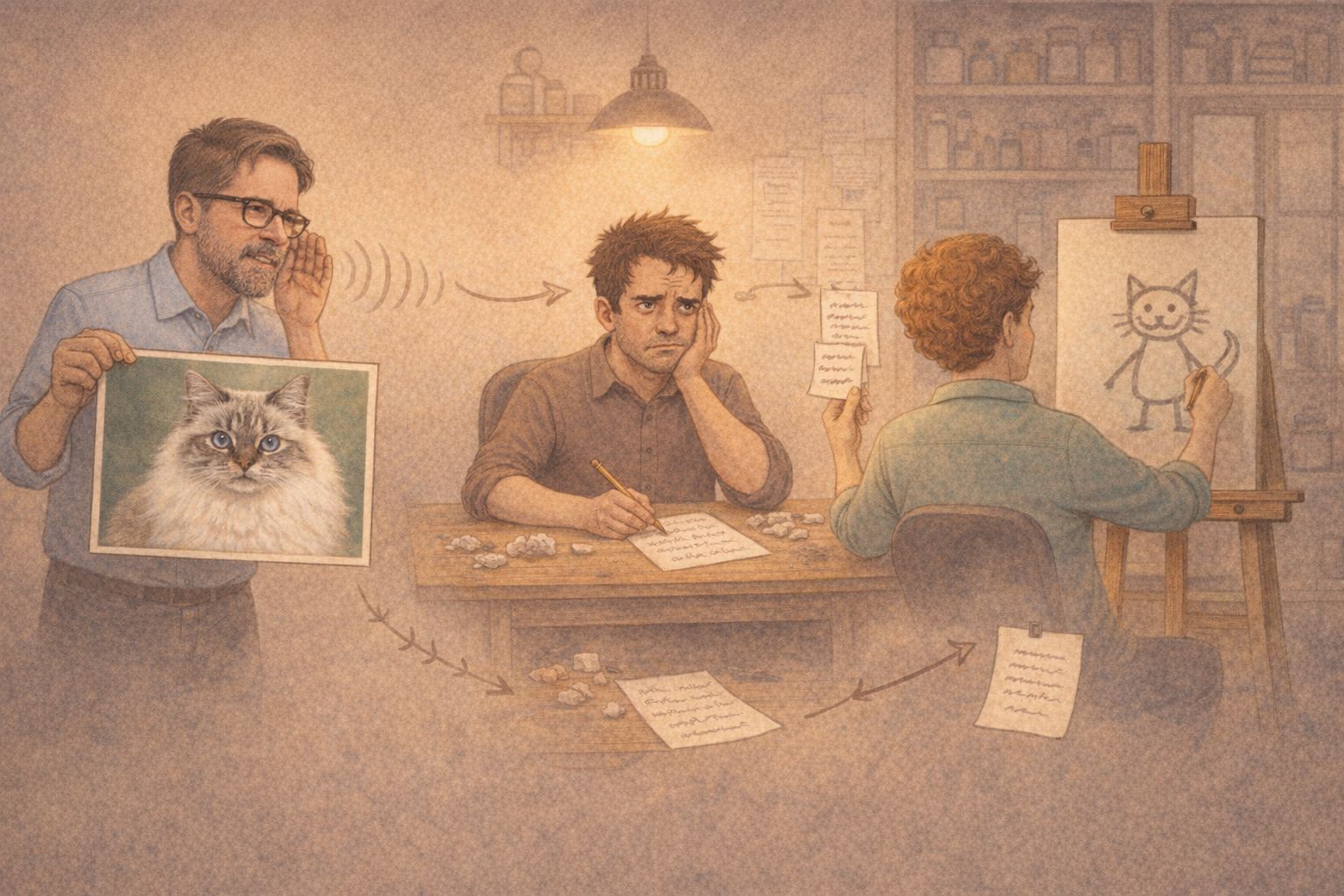
The problem isn't the image model. The problem is the middleman.
The Responses API sends your reference images to GPT-5.2, which "understands" them and then forwards a text prompt to the image model. Visual details get lost in translation. In one case, GPT-5.2 even wrote "generic, not a real person" in its internal prompt -- despite receiving reference photos.
The solution: The Images Edit API. It sends reference images directly to the image model, no middleman. Result: All 3 variants showed me with glasses and gray beard, Elfi as a Ragdoll with blue eyes. Consistent. Recognizable.
My three practical tips for AI image generation via API:
1. Use images.edit instead of the Responses API when you have reference images 2. Log the revised_prompt field -- it reveals what the orchestrator actually sends to the image model 3. Avoid textual style descriptions alongside visual references -- text overrides images
The header image of this post? Fully API-generated. No ChatGPT, no manual editing.
If you're interested in the technical details: I'm happy to share the full report with all 65 images, code examples, and API comparisons.
LinkedWild