🚀 From README to Web App: Semantic Anchors goes interactive!
We've transformed the Semantic Anchors project from a simple README into a full-fledged interactive web application – and learned quite a bit about modern web development with AI assistance along the way.
What is Semantic Anchors? A curated catalog of well-defined terms, methodologies, and frameworks that serve as reference points when prompting LLMs. Instead of saying "use mocks when testing," you say "TDD, London School" – activating a whole network of context-rich knowledge.
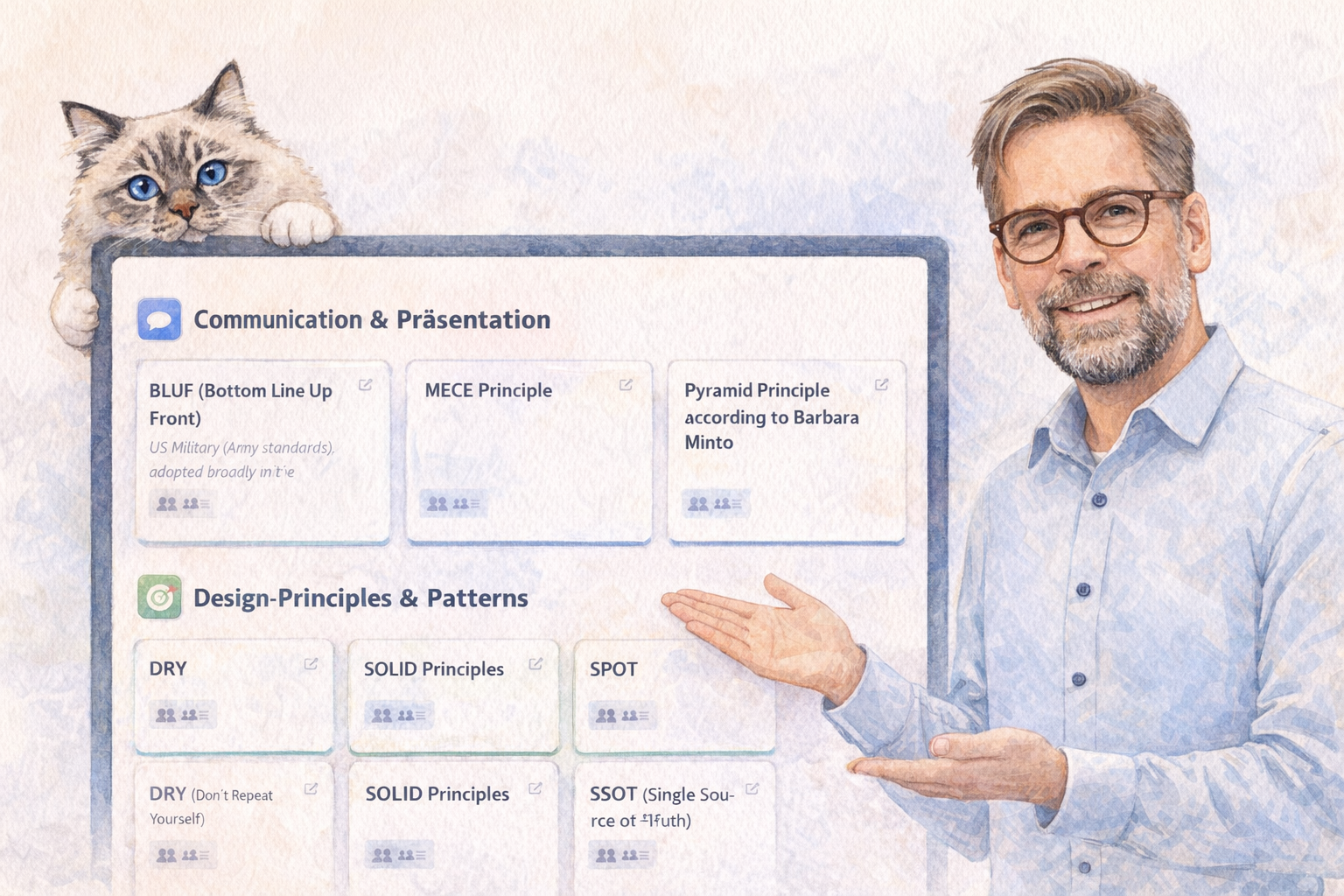
The Transformation: 📄 Before: Static README list with 60+ Anchors 🎨 After: Interactive website with: - 🎴 Card Grid View with visual categorization - 🔍 Live search across all anchors - 🎯 Filter by 12 roles (Developer, Architect, QA, etc.) - 📊 Anchor counter showing filtered results - 🌐 Bilingual (EN/DE) - 🎭 Dark/Light Mode - 📱 Mobile-optimized - ⚡ Sub-2s page load - ♿ WCAG 2.1 Level AA compliant
Tech Stack: - Vite (build tool) - Vanilla JS (no framework!) - AsciiDoc (content format) - Tailwind CSS - GitHub Pages deployment - CI/CD with GitHub Actions
Lessons Learned: ✅ AI-assisted development can deliver complex projects in weeks instead of months ✅ Modern web != framework lock-in – vanilla JS + modern tools often suffice ✅ Documentation-first design pays off ✅ Simplicity wins: Card Grid beats complex visualization = better UX
Live Demo: https://llm-coding.github.io/Semantic-Anchors/ Open Source: https://github.com/LLM-Coding/Semantic-Anchors
Next Steps: GitHub Copilot integration for automated anchor validation and creation via issues.
What are your go-to Semantic Anchors when prompting? 🤔
LinkedWild